Free Custom Product Mockup Studio — Preview Your Logo
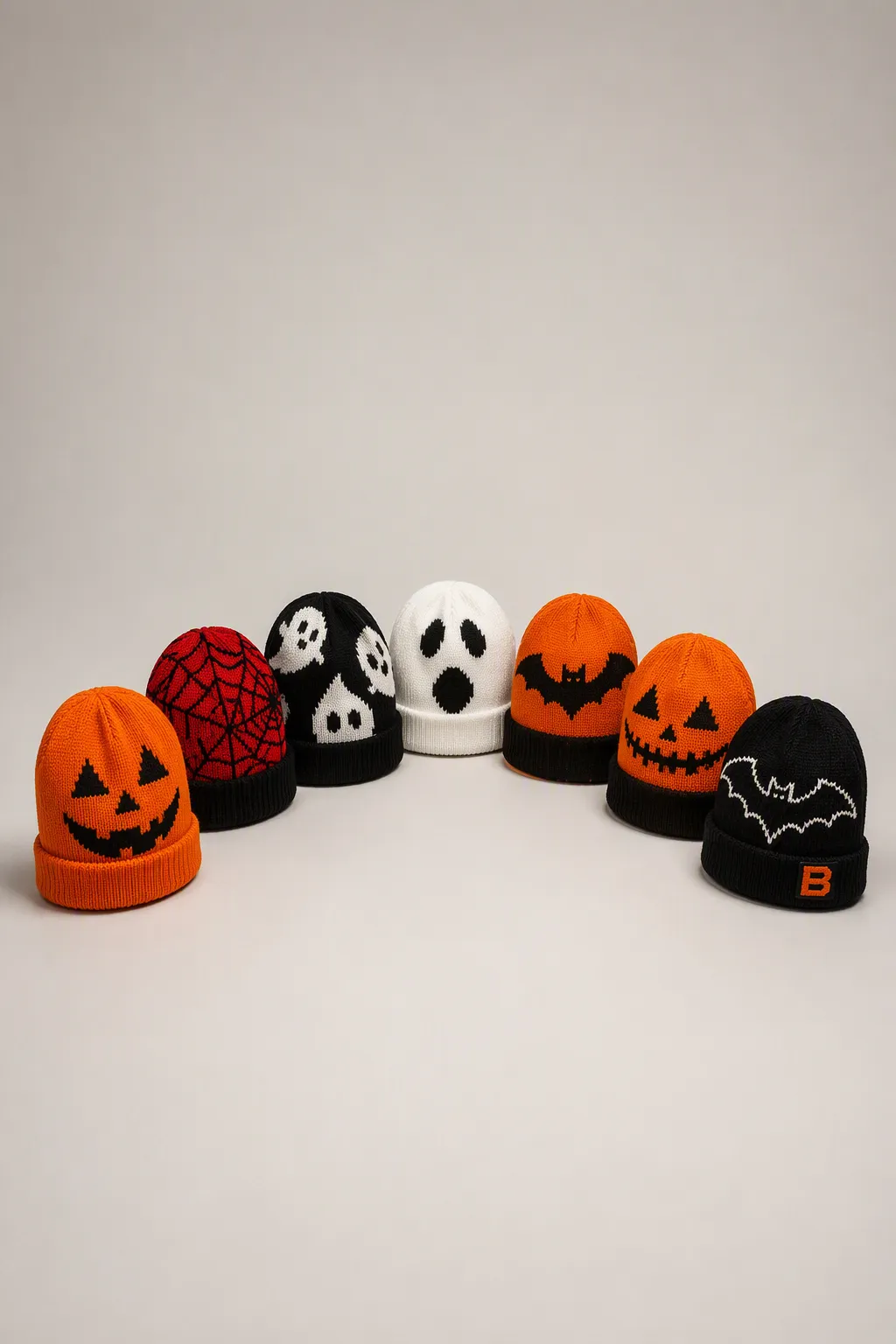
Not sure how your logo will look on a real product? Use our free custom product mockup studio — pick a product, change its color, upload your logo and drag it into place, then download a clean PNG or request your tech pack and a quote. No signup, no watermark.
Try it now: Open the Free Mockup Studio →
What the free mockup studio lets you do
- 20+ products — Christmas sweaters, hoodies, polos, tote bags, tumblers, pop-up tents, gift boxes and more.
- Change the product color from a 2026 palette or any custom color.
- Upload your logo and drag it anywhere on the product.
- Resize the logo while keeping its original proportions.
- Download a clean PNG mockup — no edit guides, just the product with your logo.
- Request your tech pack and a quote straight to us, with your mockup attached.
Why make a mockup before ordering
A mockup answers the three questions every buyer asks before committing:
- Does my logo fit? You can see exactly how it sits on the product before you order.
- Does the color work? Switch product colors instantly and compare.
- What will it cost? Once you like the mockup, request a quote with the details already filled in.
It also lets your team, or your own customers, approve the look before a single sample is cut.
How to use it (three steps)
- Pick a product from the left panel and add it to your mockup.
- Upload your logo (under "Your Logo") and drag it into place on the canvas — drag the corner to resize.
- Download the PNG, then click "Get Your Tech Pack (Free)" — your email app opens with your details pre-filled, so you can attach the mockup and send it to us for a quote.
Free mockups, factory-direct production
The mockup is the easy part — we can also produce it. Our own factory in Dalang knits and prints custom products factory-direct, with 72-hour sampling, low MOQ and DDP delivery worldwide.
Start your mockup now: Open the Free Mockup Studio →
Or if you already know what you want, request a quote directly.